IKAI Media Importer replaces your WordPress images with compressed, SEO-optimised versions, renames files, rewrites every URL across your site, and updates all metadata — automatically, in parallel.
Optimising images for the web is only half the job. Getting those optimised images — with the right filenames, alt text, captions, and descriptions — into WordPress without breaking every page that references them is the hard part.
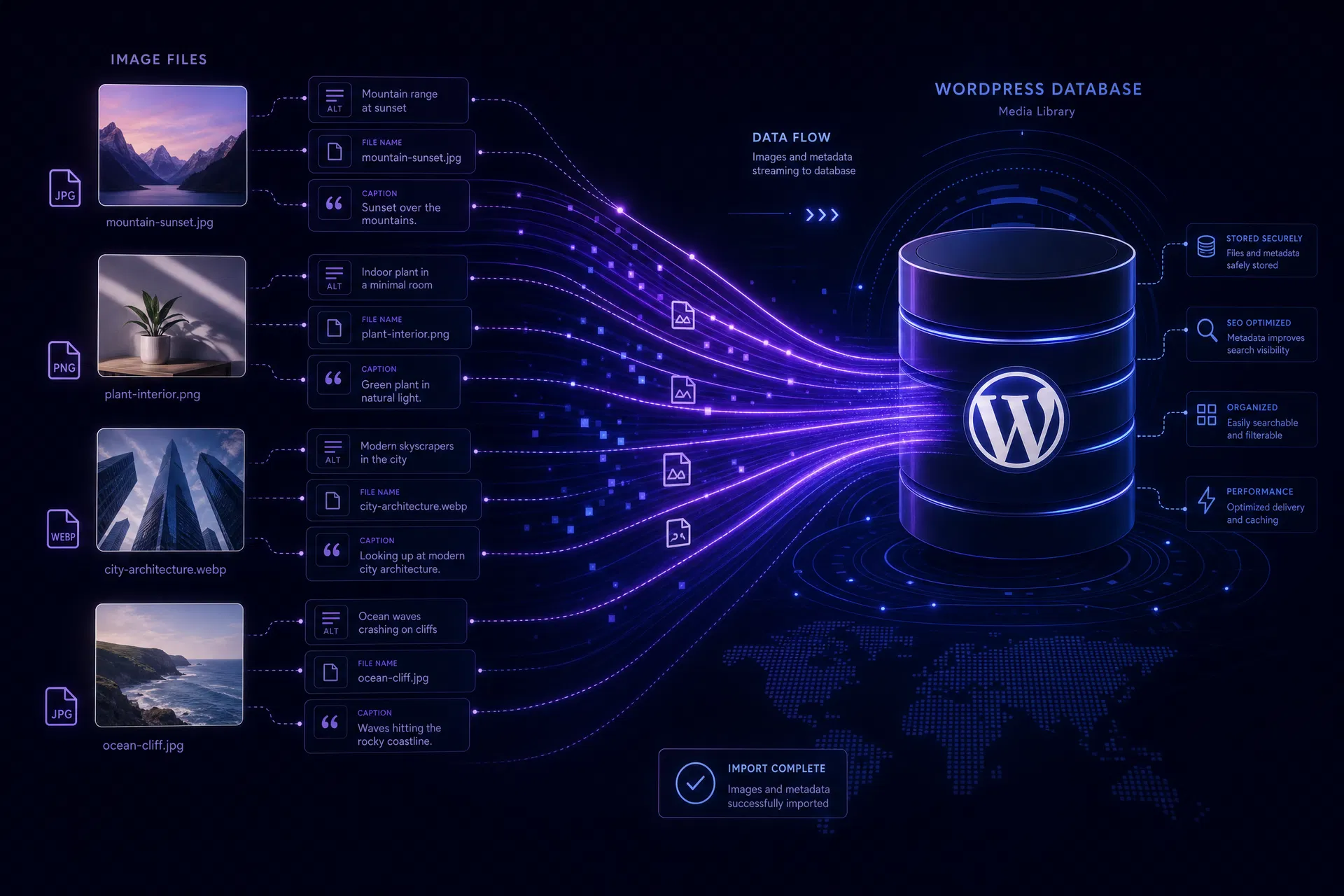
Manually updating alt text, titles, and captions in the WordPress media library is tedious for 10 images. For 100 or 500 images, it's simply not viable. Paid plugins like WP All Import Pro charge $200+ for CSV import to media files — a feature that should be free.
And replacing image files while preserving all the URLs that point to them? WordPress has no built-in way to do this. Change a filename and every post, page, and widget that references the old URL breaks silently.
The plugin is designed to work hand-in-hand with the IKAI WP Image Optimizer. Optimise your images in the browser tool, then let the plugin handle everything in WordPress.
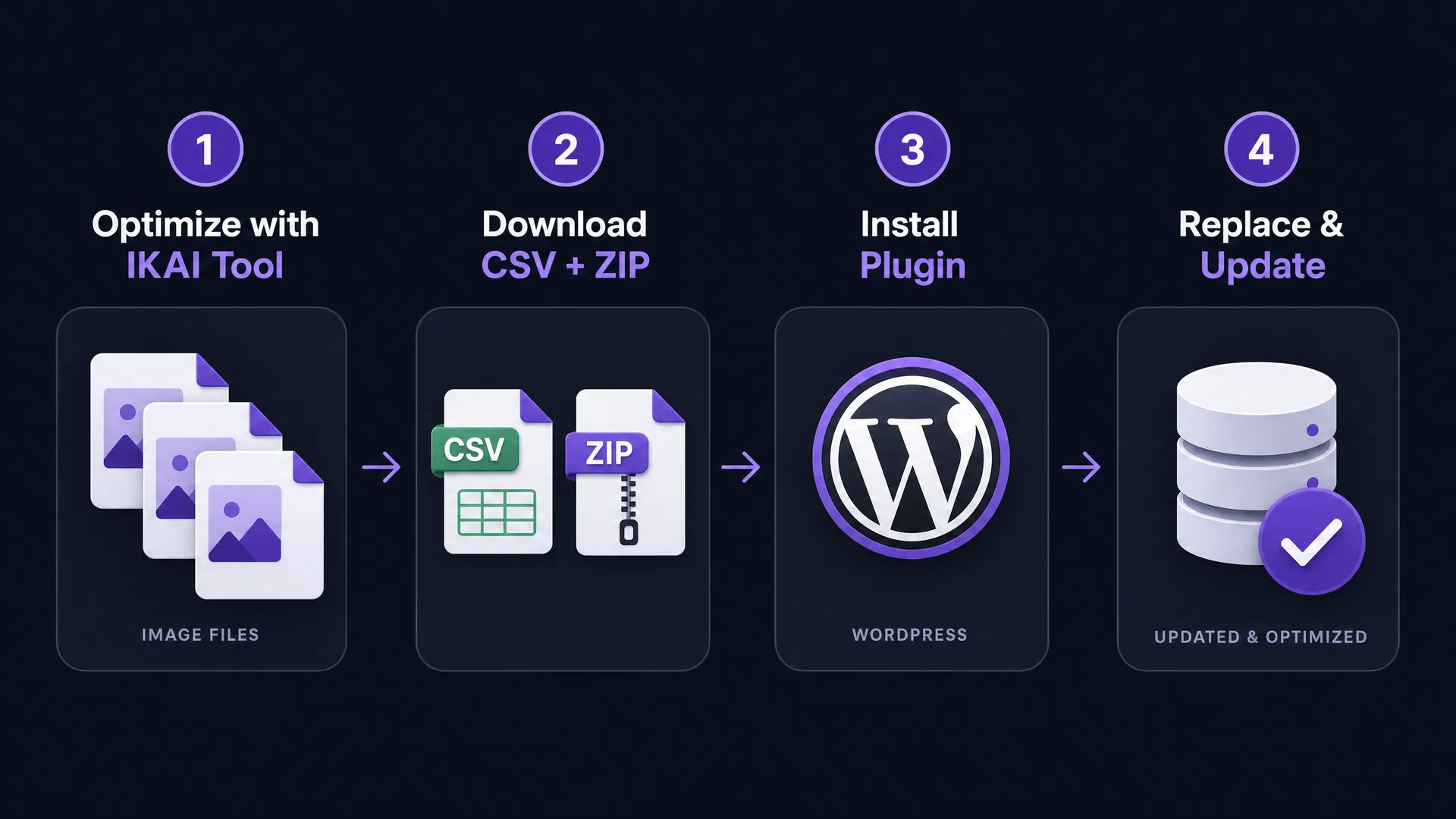
Upload up to 50 images to the IKAI WP Image Optimizer. The tool compresses each image, generates AI-powered SEO filenames, alt text, titles, captions, and descriptions using Gemini 2.5 Flash.
Export the results as a ZIP of compressed images (renamed to SEO-friendly filenames) and a CSV mapping original filenames to new names and all metadata fields.
Download IKAI Media Importer and install it via Plugins → Add New → Upload Plugin in your WordPress admin. Activate it and go to Media → IKAI Media Importer.
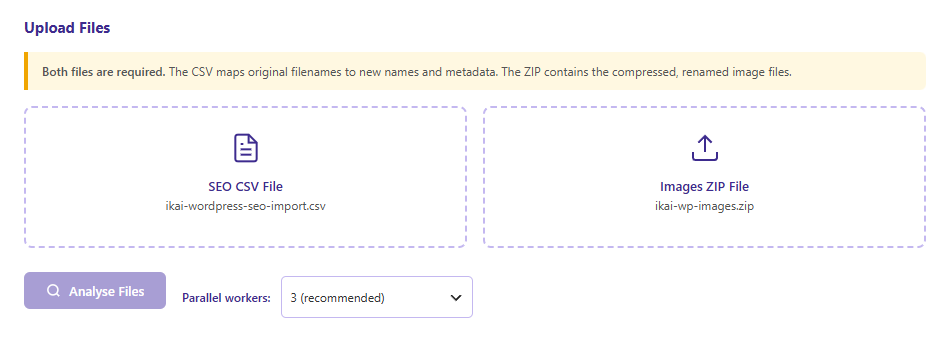
Upload your CSV and ZIP. Click Analyse to preview, then Replace & Update. The plugin processes images in parallel — replacing files, regenerating thumbnails, rewriting all URLs, and updating all metadata in one pass.
IKAI Media Importer handles the full image replacement workflow that normally requires $100–$200 in premium plugins.
Replaces the physical image file on the server with the new compressed version. Old file is removed, new file takes its place — no orphaned files left behind.
Updates the WordPress media record — post slug, title, _wp_attached_file meta, and GUID — to reflect the new SEO-friendly filename.
Scans every post, page, and custom post type in the database. Replaces all occurrences of the old image URL with the new one — including serialised postmeta for Elementor and ACF.
Automatically regenerates all registered thumbnail sizes for each replaced image. Your theme's image sizes are always in sync with the new file.
Processes 1–8 images simultaneously using a configurable worker pool. A batch of 100 images that would take 10 minutes serially completes in under 2 minutes on 5 workers.
Updates alt text, title, caption, and description for every image in one pass — directly from the AI-generated values in the CSV. No manual editing required.
The ZIP is uploaded once and extracted server-side. No per-image HTTP uploads from the browser — dramatically faster for large batches over slow connections.
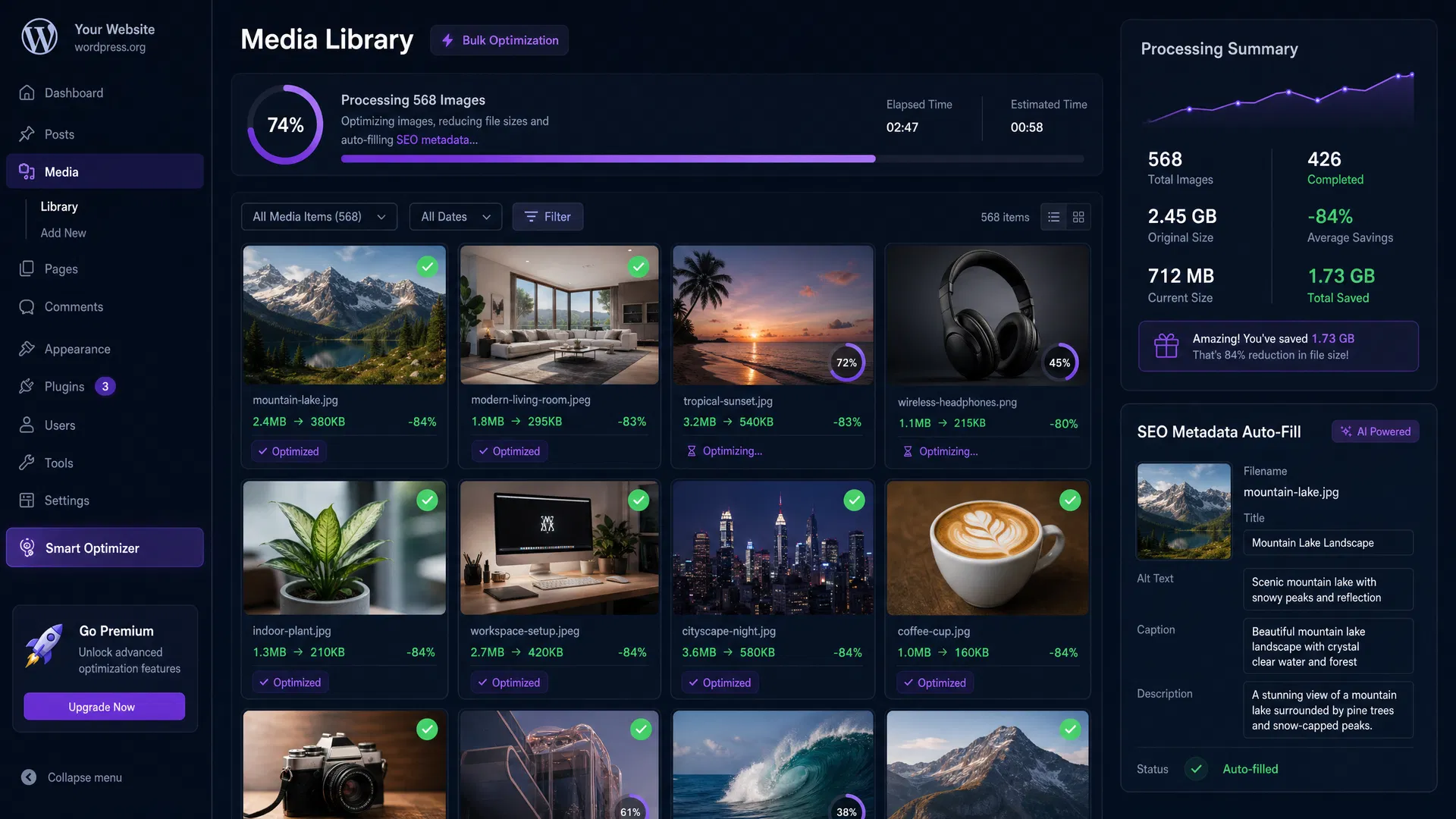
Real-time progress bar with per-image status, success/error counts, and a detailed log. See exactly which images succeeded, which failed, and why.
Prevents two browser tabs from running an import simultaneously, avoiding race conditions and database conflicts. Lock auto-expires after 5 minutes as a safety net.
IKAI Media Importer is purpose-built for sites where images are central to the content — and where image SEO directly impacts search rankings and page speed.
You run a WordPress site — a dealership, an e-commerce store, a real estate listing site, a photography portfolio — with hundreds of images uploaded over the years. The filenames are IMG_4821.jpg. The alt text fields are empty. The images are 3–5MB each.
Google can't understand what those images show. Page load times are slow. You're leaving significant organic search traffic on the table.
With IKAI Media Importer, you can fix all of that in a single afternoon — without touching a single image manually.
A car dealership with 400 vehicle photos — all named DSC_0042.jpg with no alt text — used this workflow to rename every image to a descriptive SEO slug (e.g. 2024-ford-bronco-sport-blue-4x4.jpg), add accurate alt text, and compress file sizes by an average of 76%. Total time: under 2 hours. No developer required.
post_content and serialised postmeta — which is how Elementor, ACF, WPBakery, and most other page builders store image references. Both the image URL and the full upload path are rewritten.wp_posts and wp_postmeta. A database backup takes 30 seconds with any WordPress backup plugin and gives you a complete safety net. The plugin itself has no undo function.Download the free plugin, optimise your images with the IKAI WP Image Optimizer, and import everything in one click. No paid plugins. No manual editing. No broken links.